
My role Product designer – responsible for discovery, UX strategy, interaction design, visual design, and validation across mobile and web experiences.
Case study Download PDF
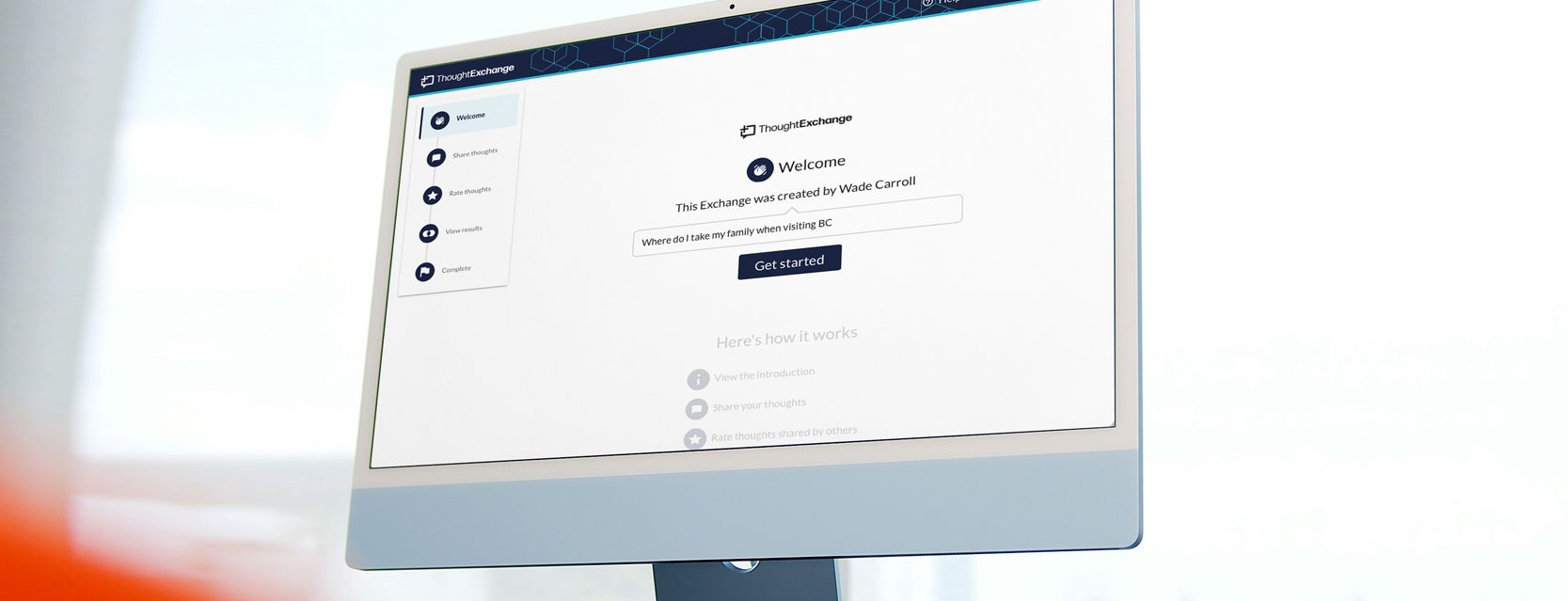
Company & Product Context
ThoughtExchange is a cloud based, AI-powered engagement platform that helps organizations gather and act on large-scale community feedback. Unlike traditional one-way surveys, it fosters two-way participation by allowing users to share ideas, evaluate others’ input, and engage in discussion through Exchanges—helping organizations tap into collective intelligence for better decision-making; broken into 2 sectors of Leader creation of Exchanges (Leader Experience – customer facing) and Participants contributing ideas (Participant Experience – public facing)
The team
PMs Huben Orcharov
Devs Erik Hauner, Meg Mitchell
The Problem
Two versions were live at the time: the legacy experience and a newer iteration internally called “RUX.” While RUX modernized the UI, into a clean, one page scrolling experience, usability friction remained. My role was to assess both versions, identify gaps, and redesign the experience to feel intuitive from entry to completion.
Core issue
Through early discovery, three primary issues surfaced:
- Navigation confusion – Users weren’t sure how to move through the experience.
- Unclear completion state – Participants didn’t know when they were done or how to return later.
- Underused “Skip Thought” feature – Data suggested users either didn’t notice it or didn’t understand it.
My Approach
Discovery: Listening Before Designing
Discovery phase was crucial for this project. I synthesized feedback from Aha!, Gong recordings, and CSM Slack threads, then conducted usability tests with five customers to validate assumptions and observe real friction points.
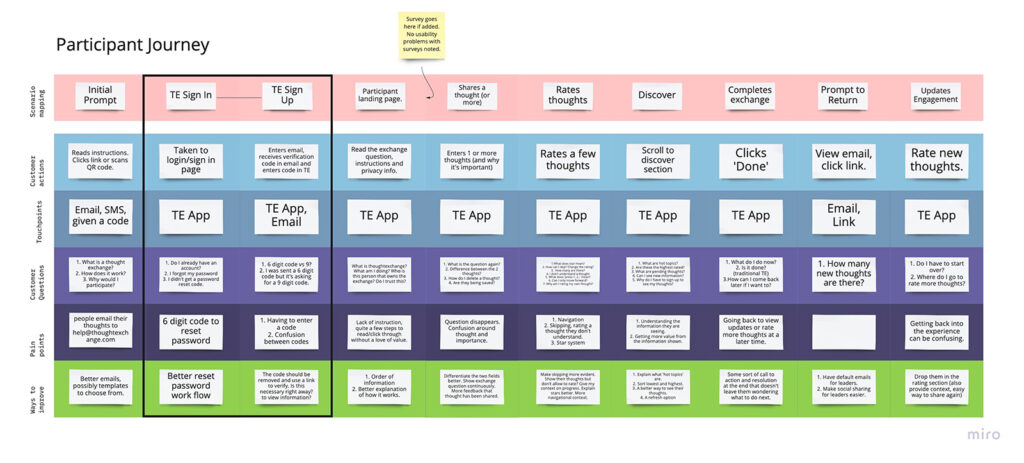
Journey Mapping
Before wireframing, I partnered with a CSM to map the full Participant Journey. This clarified user goals, emotional states, and moments of uncertainty — particularly around progress and completion.
Addition Findings
A deeper issue emerged during testing: participants were confusing the survey question with the Exchange question because both appeared on screen. That overlap created hesitation and misinterpretation. The experience looked modern — but it didn’t feel effortless.
Research Methods
Customer feedback
5 interviews with individual contributors leads to understand participation hurdles and pain points
Internal feedback
Combed through various Slack threads and channels from the CMS team, sales call recordings, support tickets and product requests
User testing
Task-based participation tests to observe how users participate, gathering clear patterns
Needs
Key UX decisions from behavioral patterns:
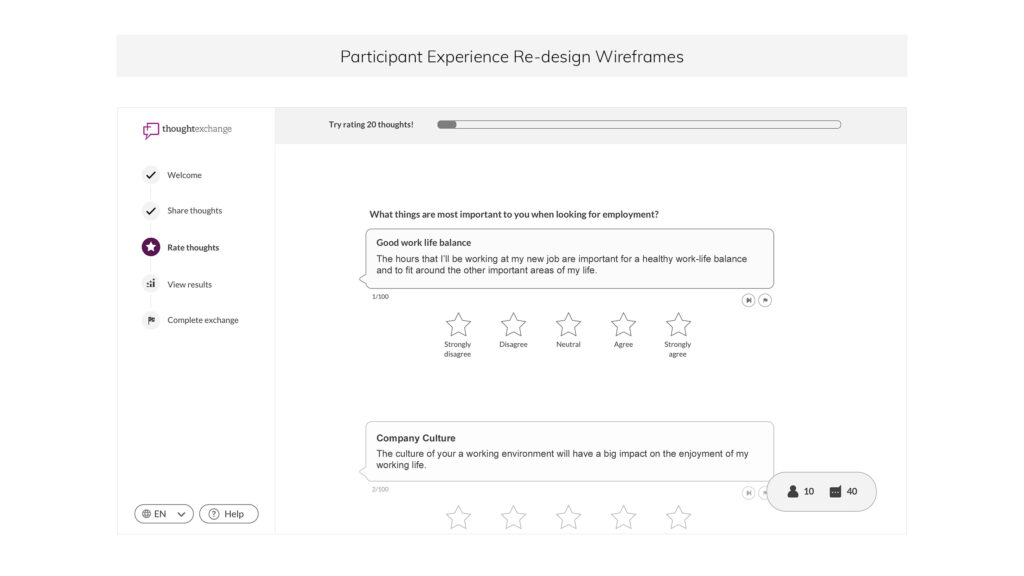
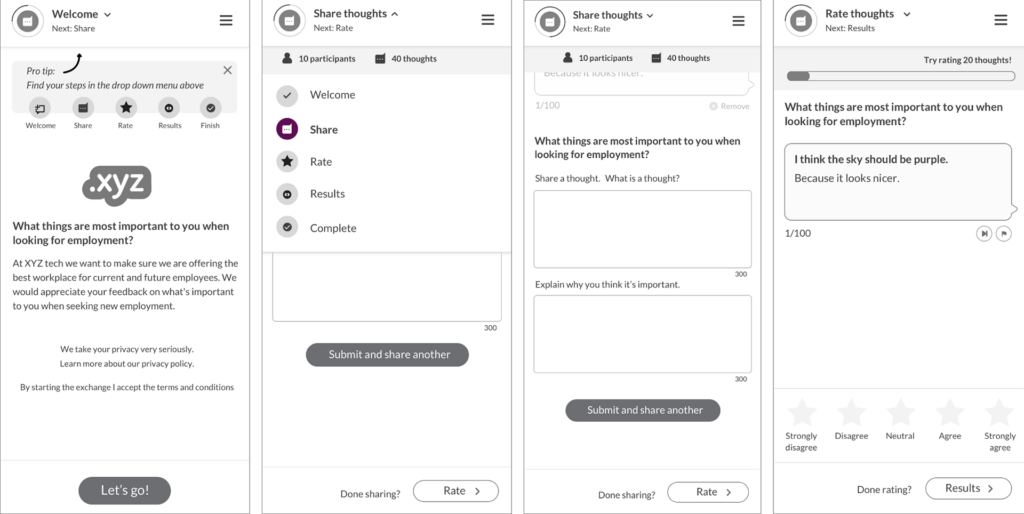
- Clarify hierarchy between survey and Exchange questions
- Reframe “Submit” to reduce false-finality (e.g., “Share another thought”)
- Improve visibility of the Skip action
- Rework the progress indicator to communicate minimum goal vs. required total for advanced settings
Define & Validate
Wireframing and Testing
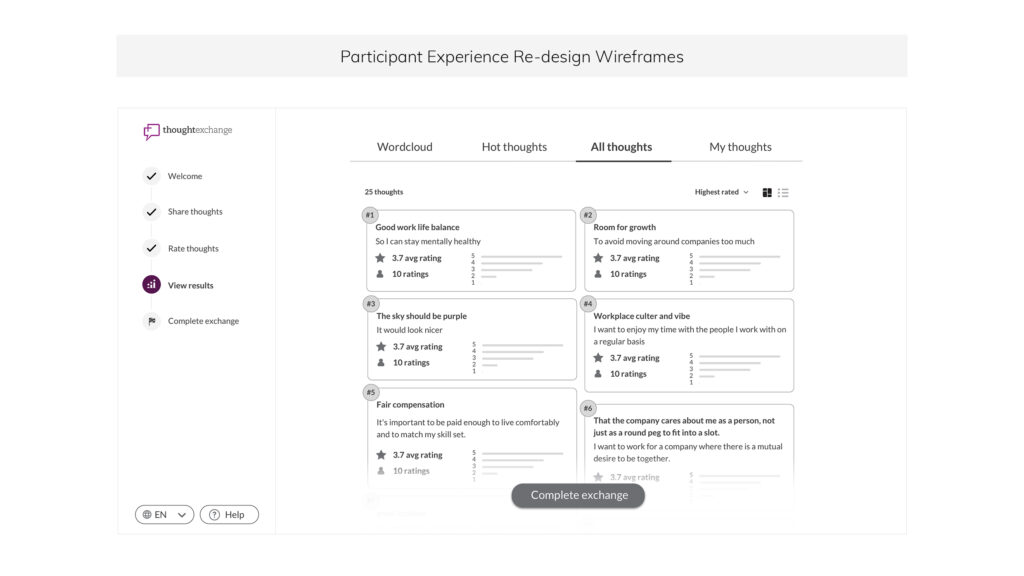
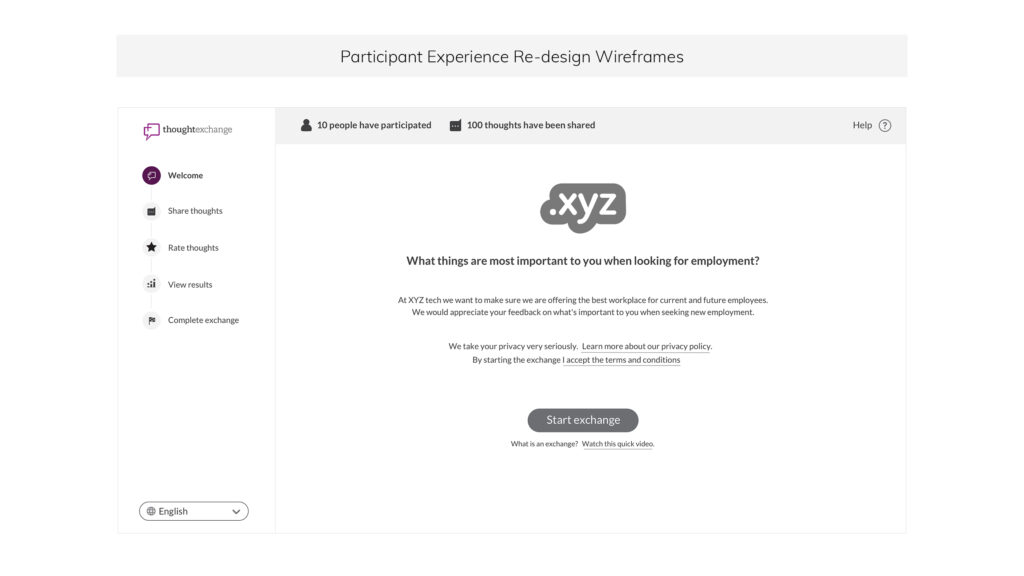
I created low-fidelity wireframes and interactive Figma prototypes to conduct further usability tests with customers and internal teams, addressing the highlighted points from user observation. Testing with five new users showed stronger navigation clarity and improved confidence, with further iteration on skip behavior and progress messaging.
High-Fidelity Implementation
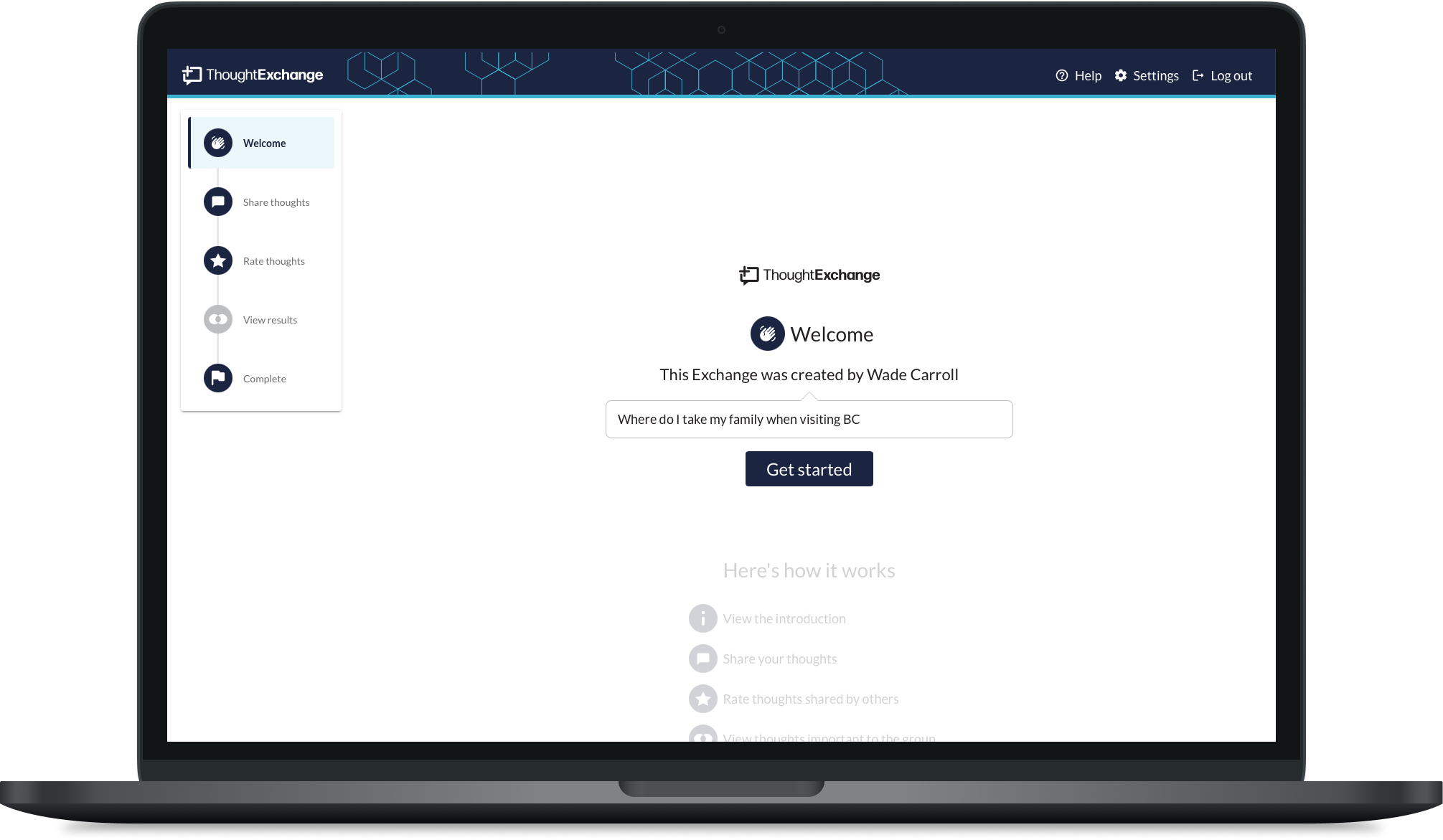
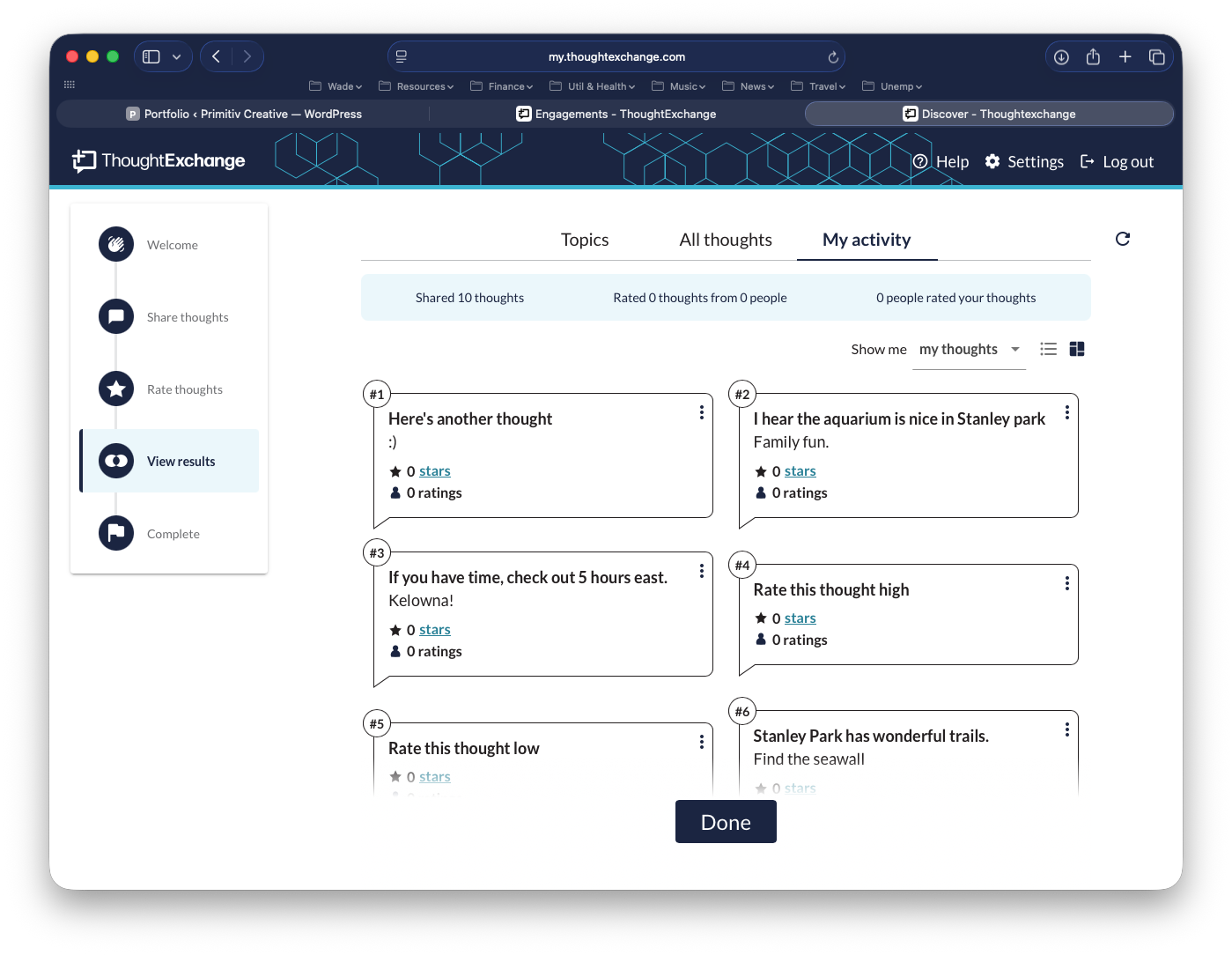
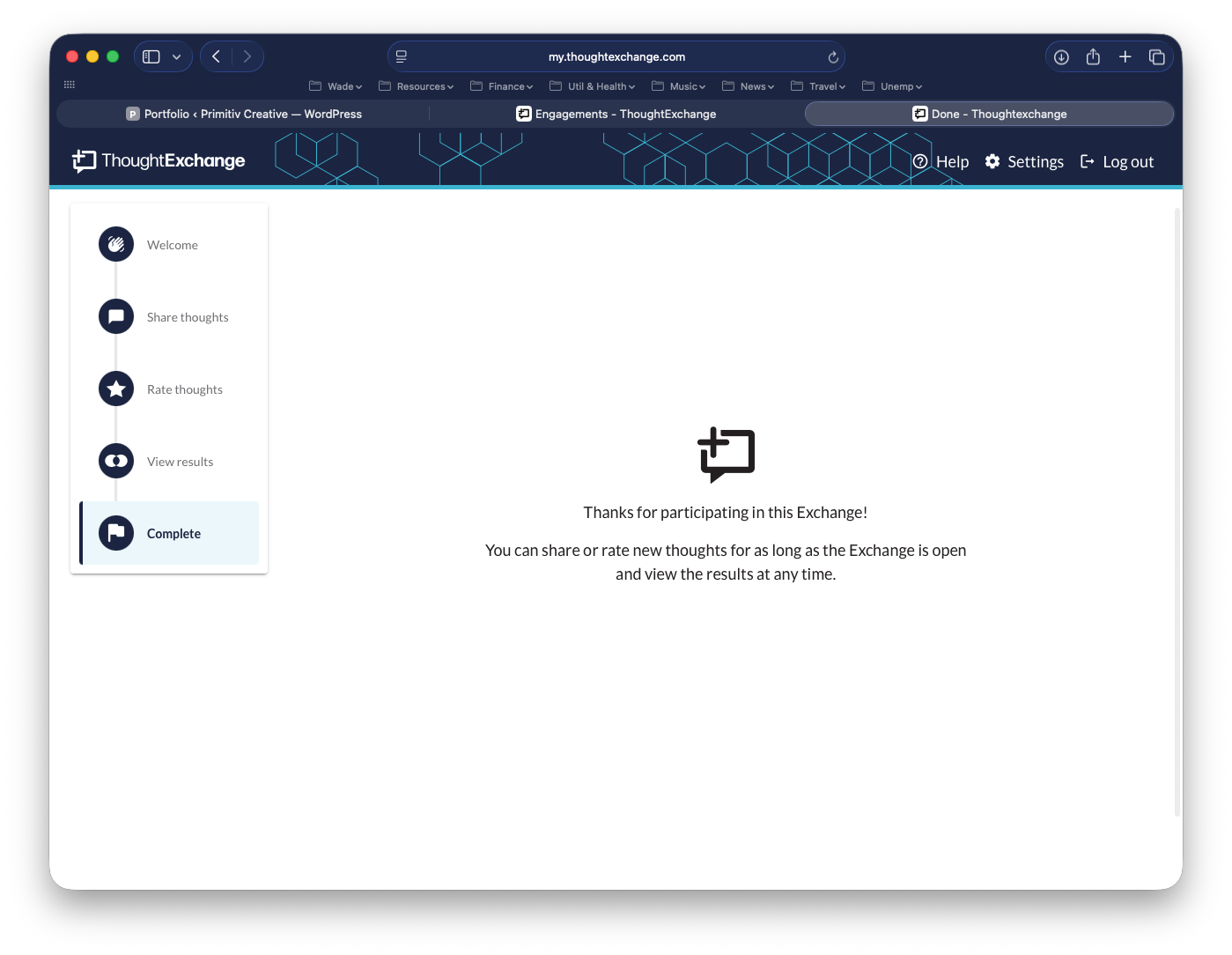
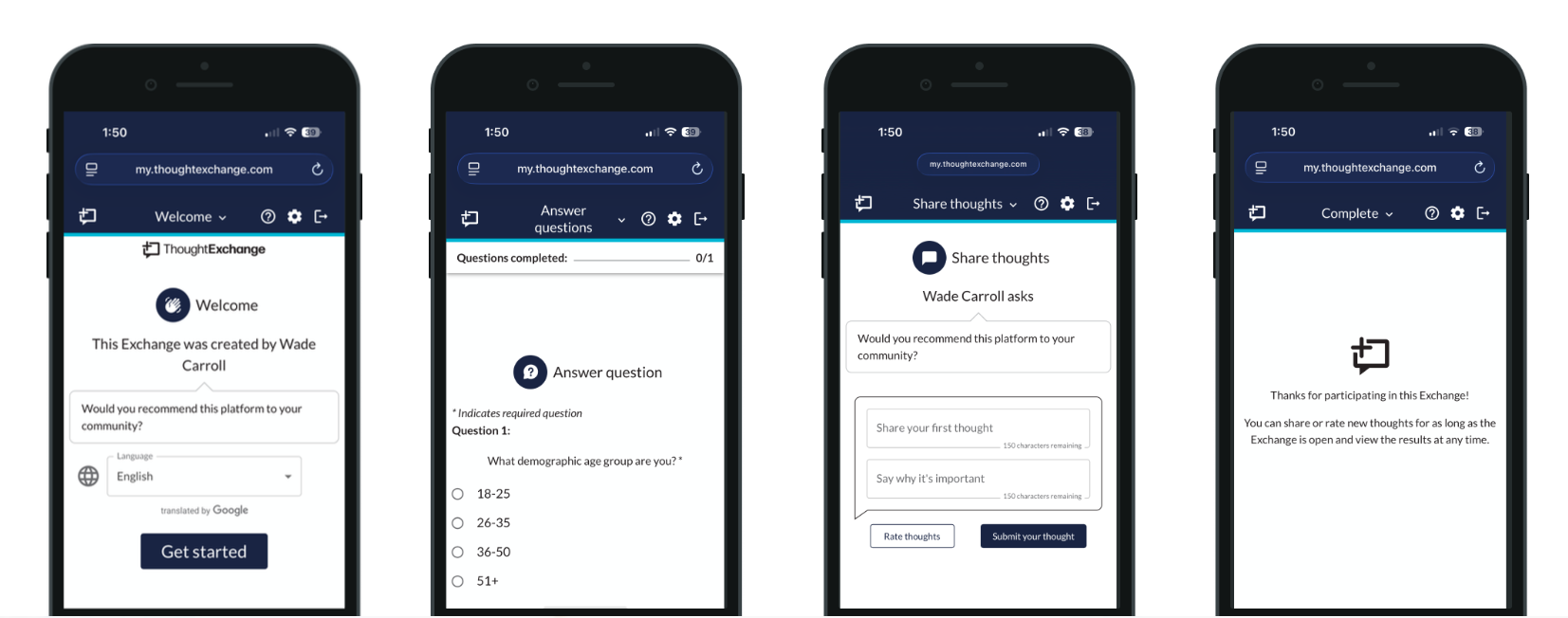
With validated flows in place, I translated the experience into a clean, scalable interface, working alongside developers and PM to assure the experience was implemented for not only desktop but taking the opportunity to improve the UI on smaller screens for each break-point.
NEW PARTICIPANT EXPERIENCE
Play demo

Impacted outcome
I was able to:
- Improve clarity across the Participant flow
- Reduce confusion around prompts and progress
- Increase confidence in completion and contribution
- Strengthen first-time usability