
My role Product designer – responsible for discovery, UX strategy, interaction design, visual design, and validation across mobile and web experiences.
Case study View Detailed Case | Download PDF
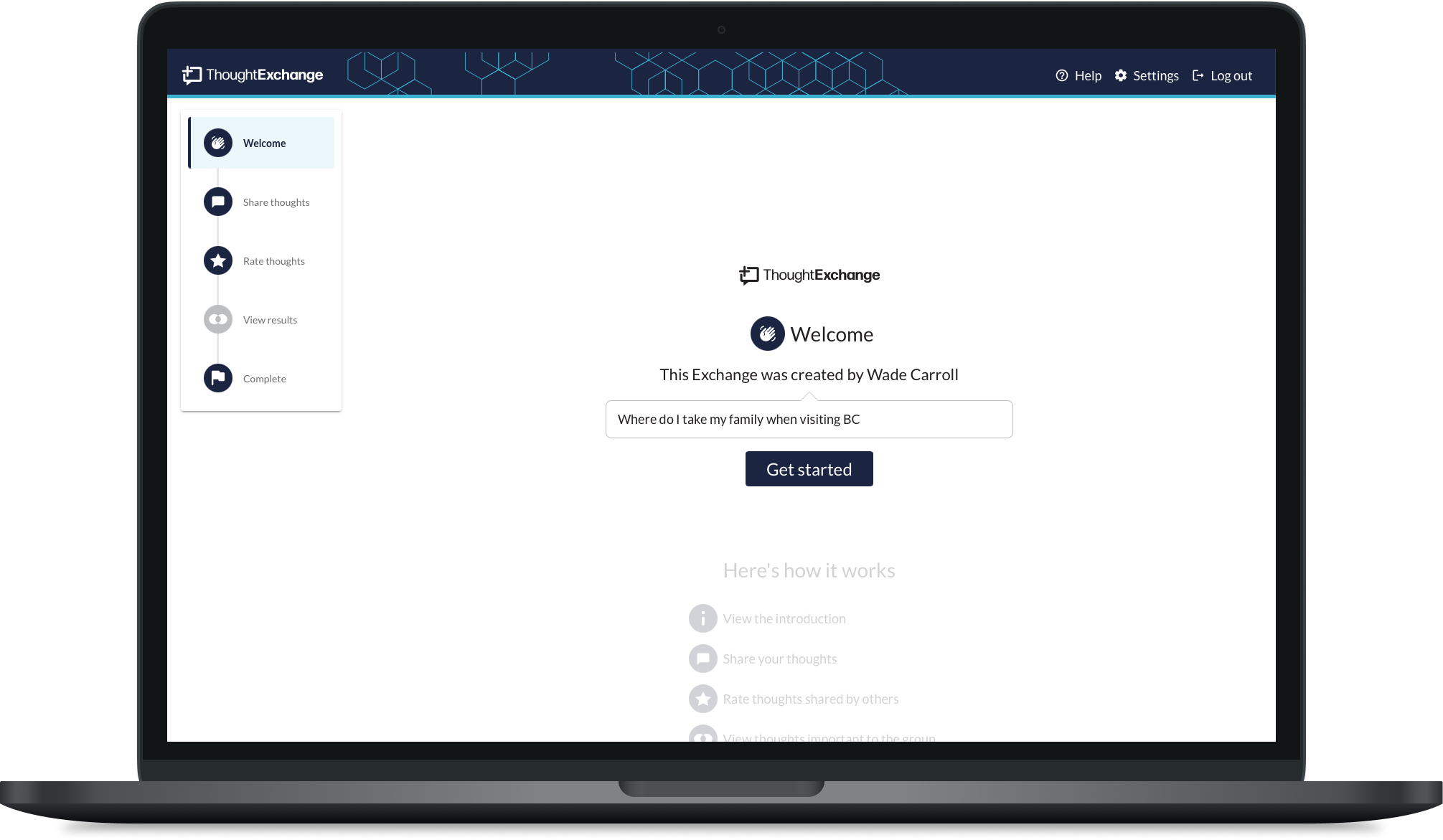
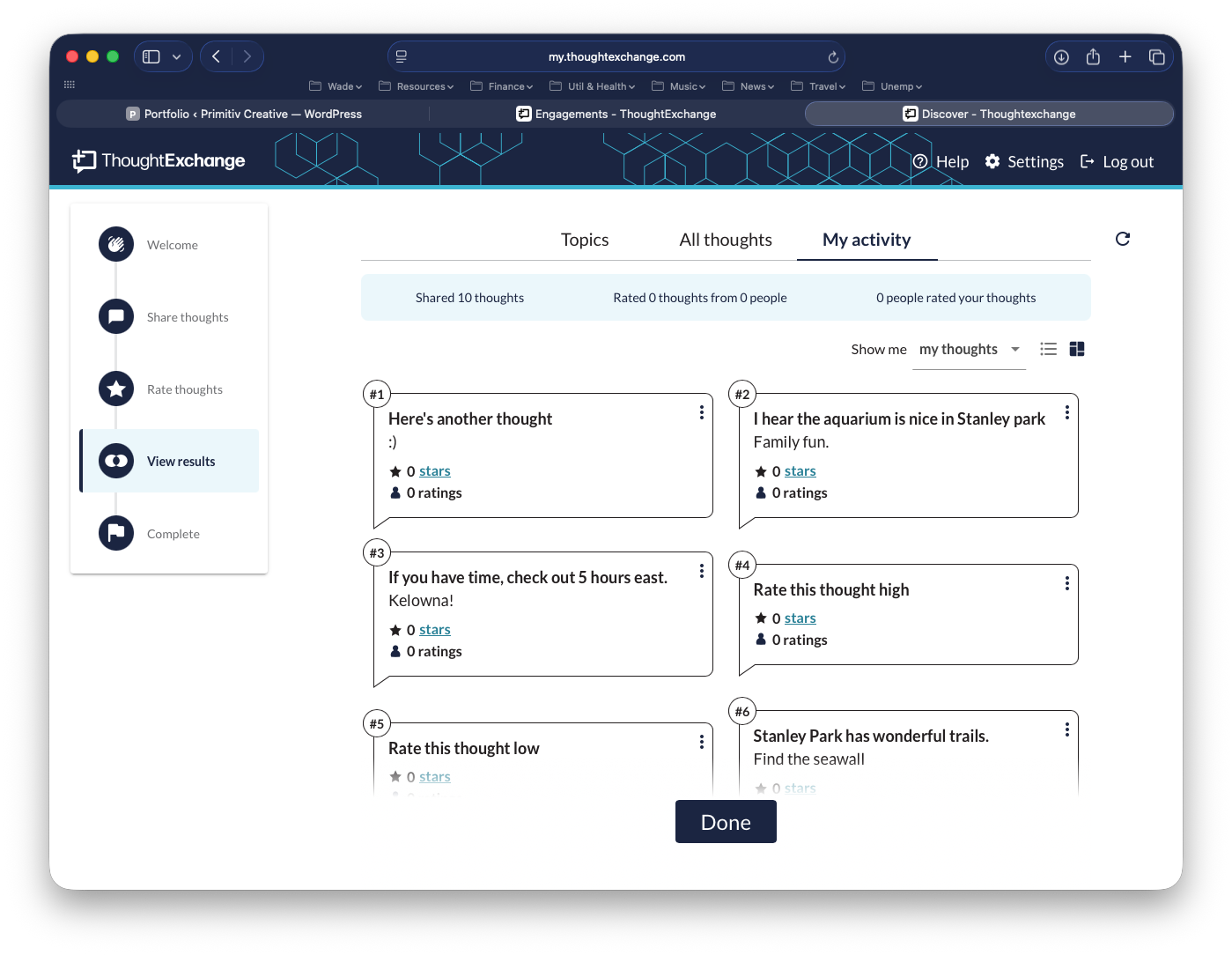
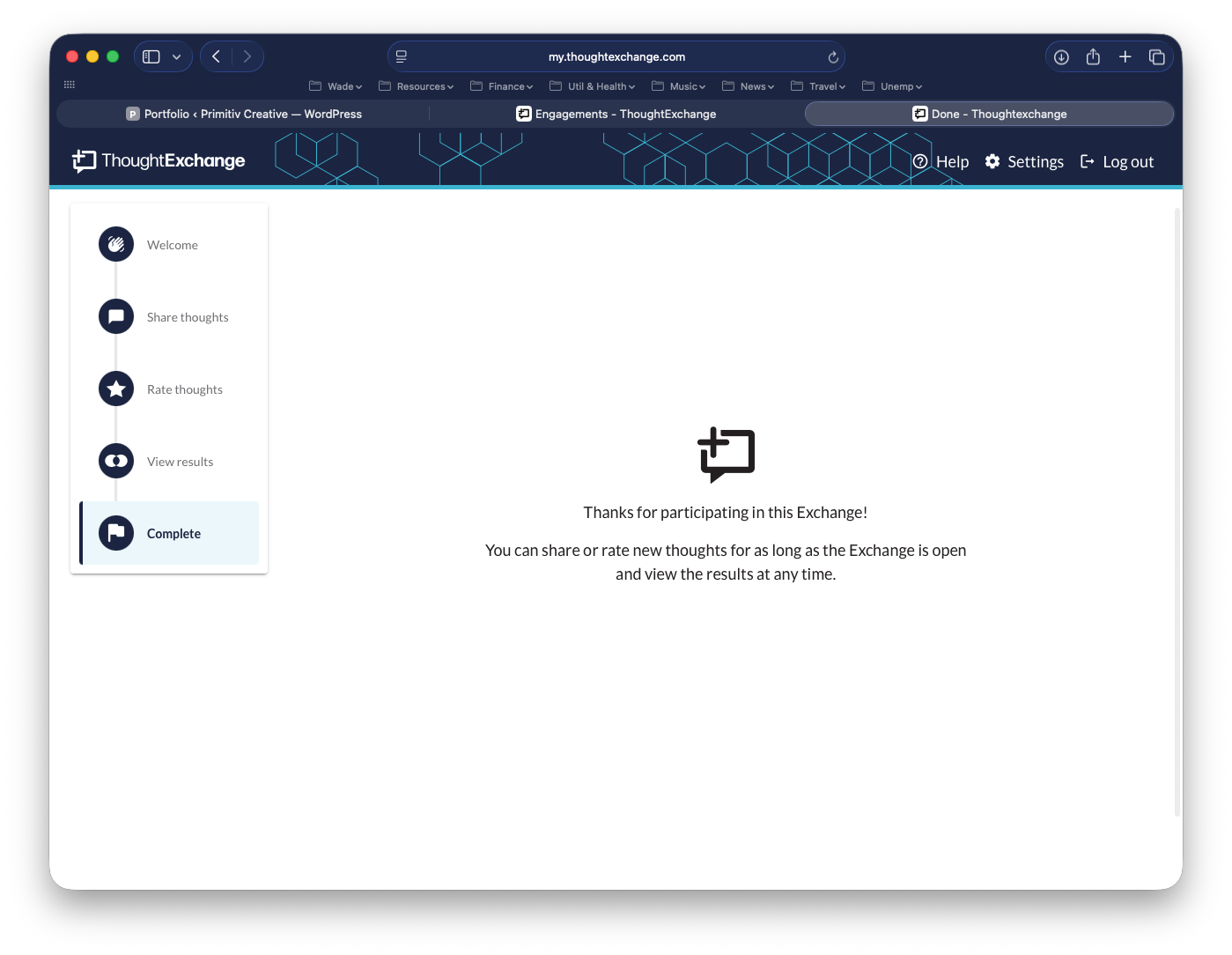
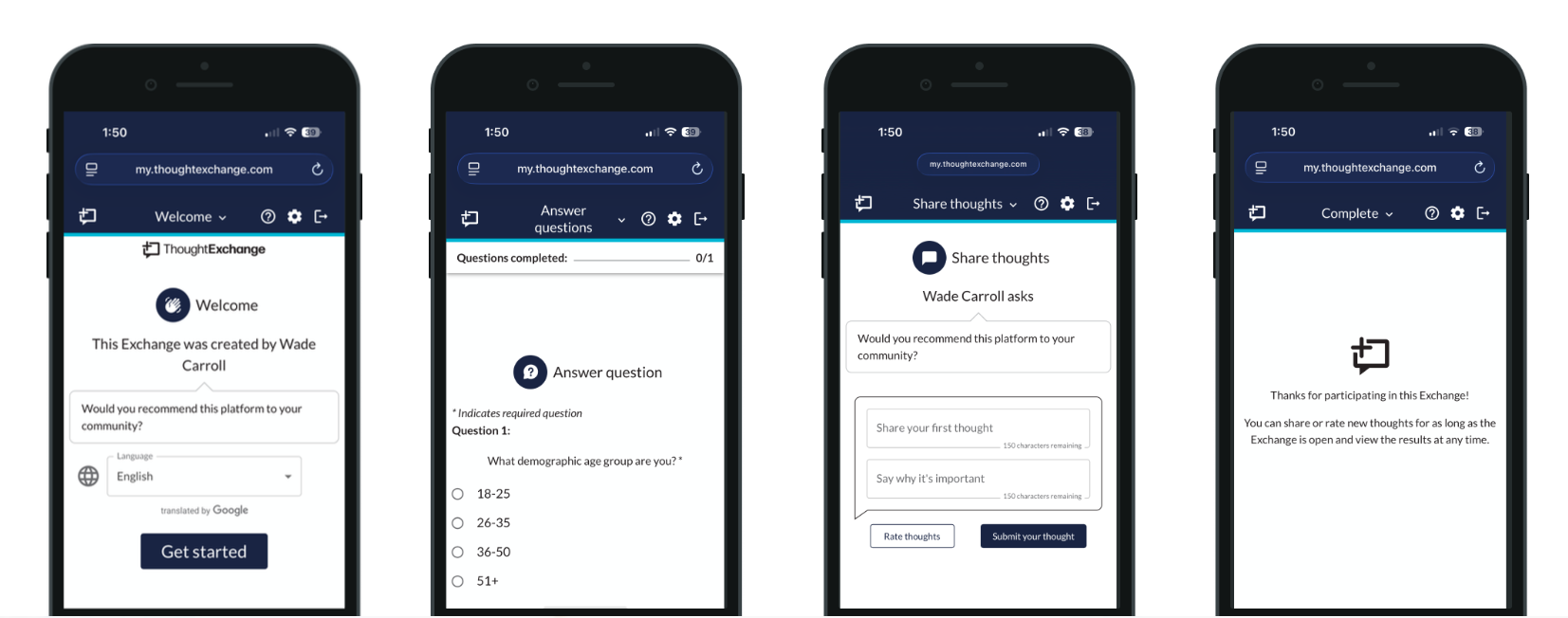
Overview
ThoughtExchange is a cloud-based, AI-powered engagement platform that enables organizations to gather and act on large-scale community feedback. Through two-way Exchanges, leaders collect input while participants share and evaluate ideas—unlocking collective intelligence for better decision-making.
The Problem
Two versions were live at the time: the legacy experience and a newer iteration internally called “RUX.” While RUX modernized the UI, into a clean, one page scrolling experience, usability friction remained. My role was to assess both versions, identify gaps, and redesign the experience to feel intuitive from entry to completion.
Core issue
Early discovery showed three primary issues:
- Navigation confusion
- Unclear completion
- Underused “Skip Thought” feature
My Approach & Solution
Research and usability testing revealed hesitation when survey and Exchange questions appeared together. The interface looked modern, but the sequencing created uncertainty around progress and completion.
By mapping the full Participant Journey, I identified key moments of confusion and restructured the flow to improve clarity, progress signaling, and navigation. Rapid prototyping and testing refined messaging and interaction patterns to reduce hesitation without adding complexity.
After validation, I delivered a scalable, responsive design and partnered with Engineering to ensure consistency across implementation.
Impacted outcome
I was able to:
- Improve clarity across the Participant flow
- Reduce confusion around prompts and progress
- Increase confidence in completion
- Strengthen first-time usability