My contribution Product designer, responsible for cross-collaboration with devs, and turning individual product UI decisions into a shared, scalable framework that improves quality, speed, and consistency across the entire product ecosystem.
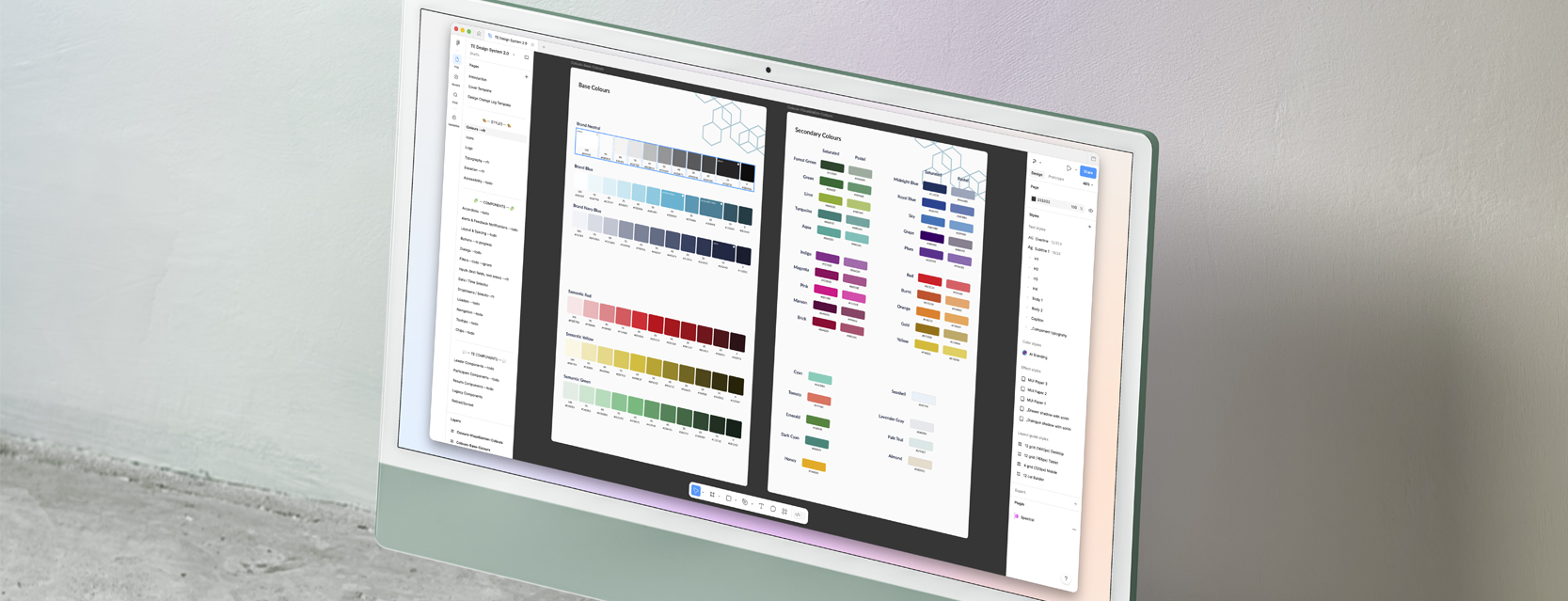
Company & Product Context
ThoughtExchange is a cloud-based, AI-powered engagement platform that enables organizations to gather and act on large-scale community feedback. Through two-way Exchanges, leaders collect input while participants share and evaluate ideas—unlocking collective intelligence for better decision-making.
The team
PMs Design Led
Devs Matt Tobey
Designers Wade Carroll, Sara Korzec, Wyonna Moo, Paula He
The Problem
The early version of the platform had largely been designed by the marketing team during the company’s startup phase. As the product expanded, this approach created several challenges. Without a design system in place, the interface became harder to scale and maintain as the product evolved.
Core issue
- Inconsistent UI styles and interaction patterns
- No centralized component library or documentation
- Difficulty maintaining visual consistency as new features were introduced
- Extra guesswork for developers when implementing UI elements

My Approach
Collaboration & Audit
I partnered with the marketing team to gather brand assets, typography, color palettes, and existing guidelines. From there, I conducted a UI audit of the product to identify inconsistencies and opportunities to standardize patterns.
Establishing the Design System
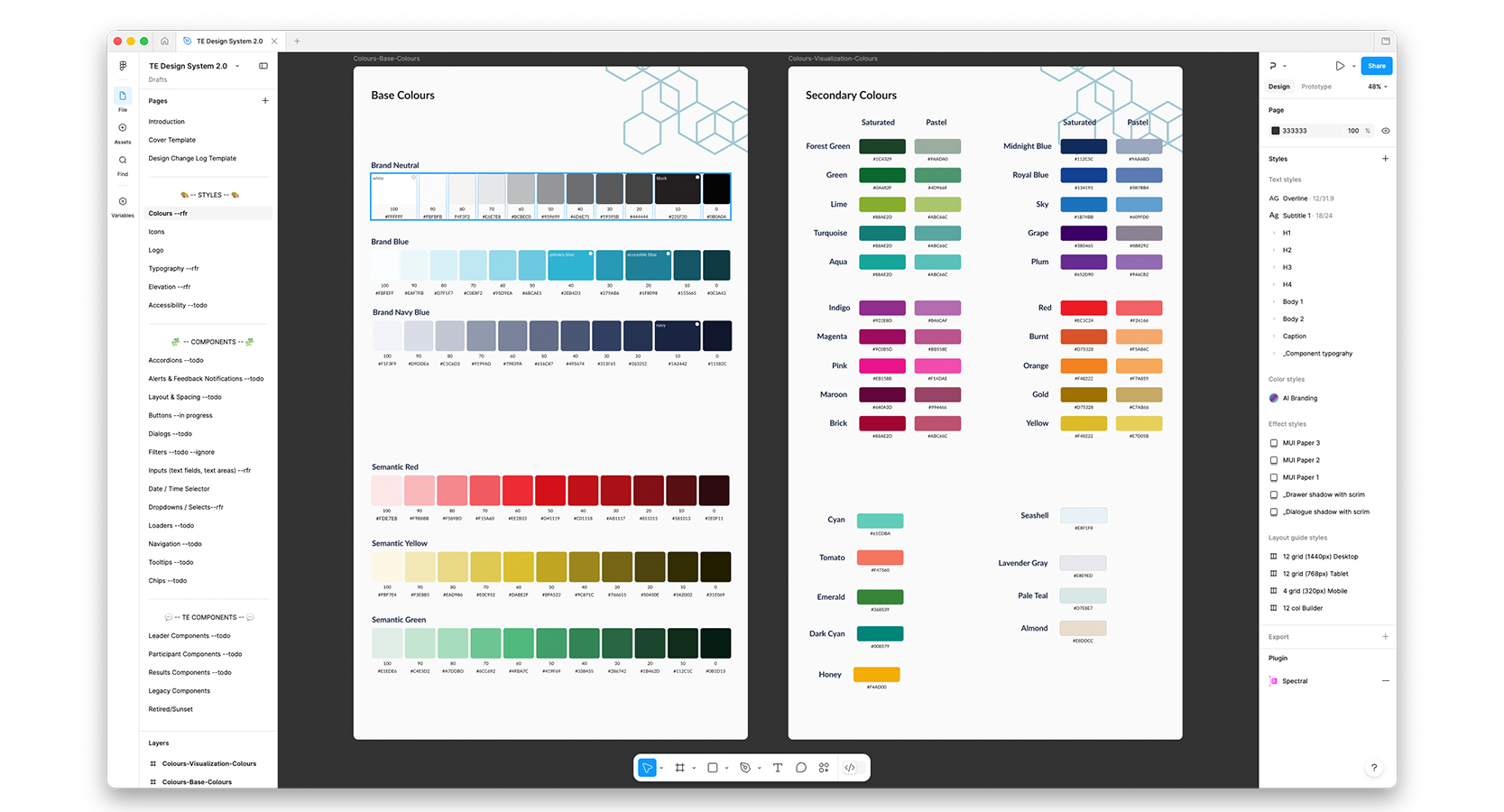
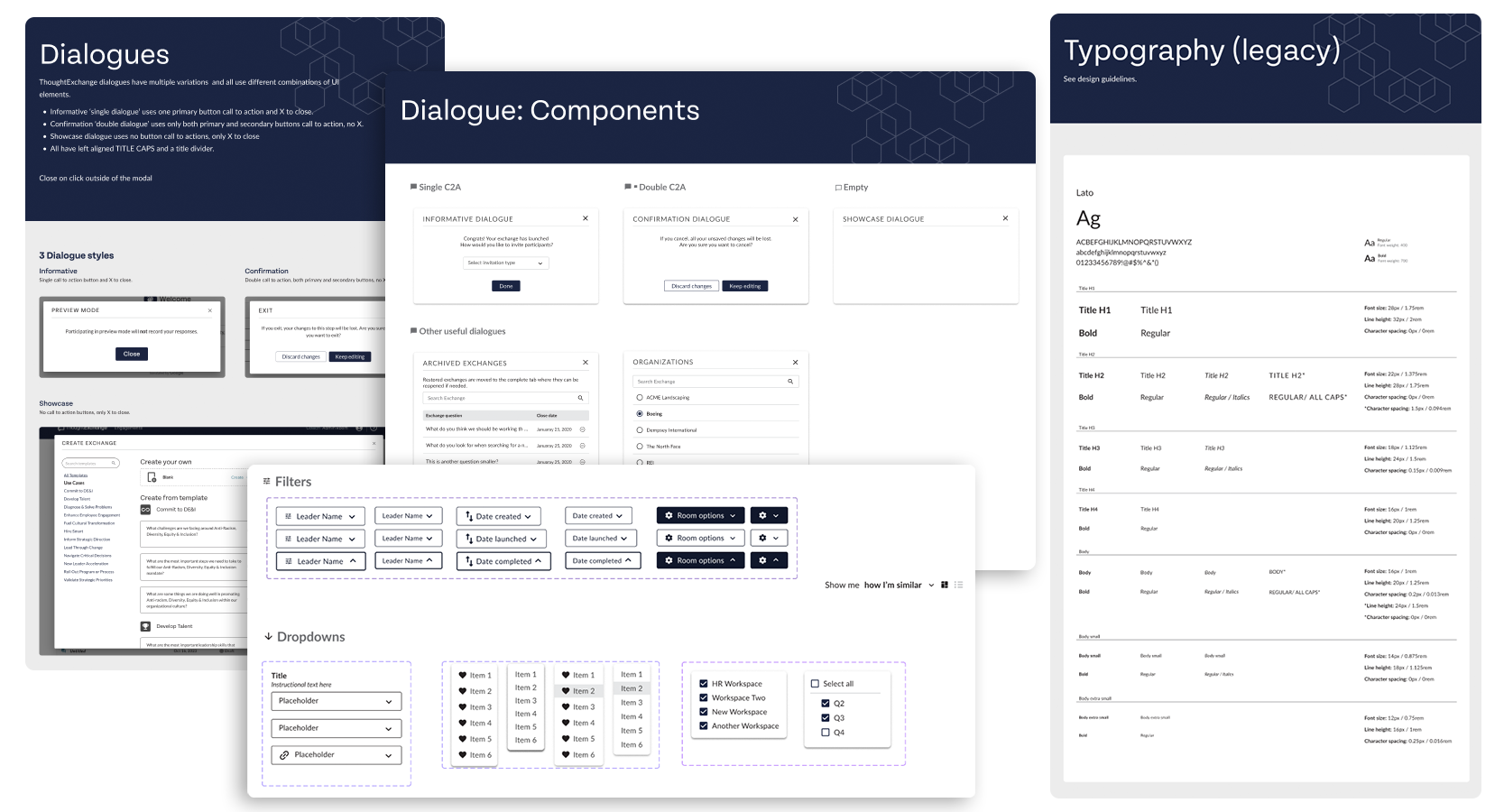
Using Sketch and InVision at the time, I built the first version of the product’s design system. This included defining core UI foundations such as:
- Typography standards using the brand’s Lato typeface
- Primary and secondary color usage
- Button styles and interaction states
- Iconography and feedback messaging
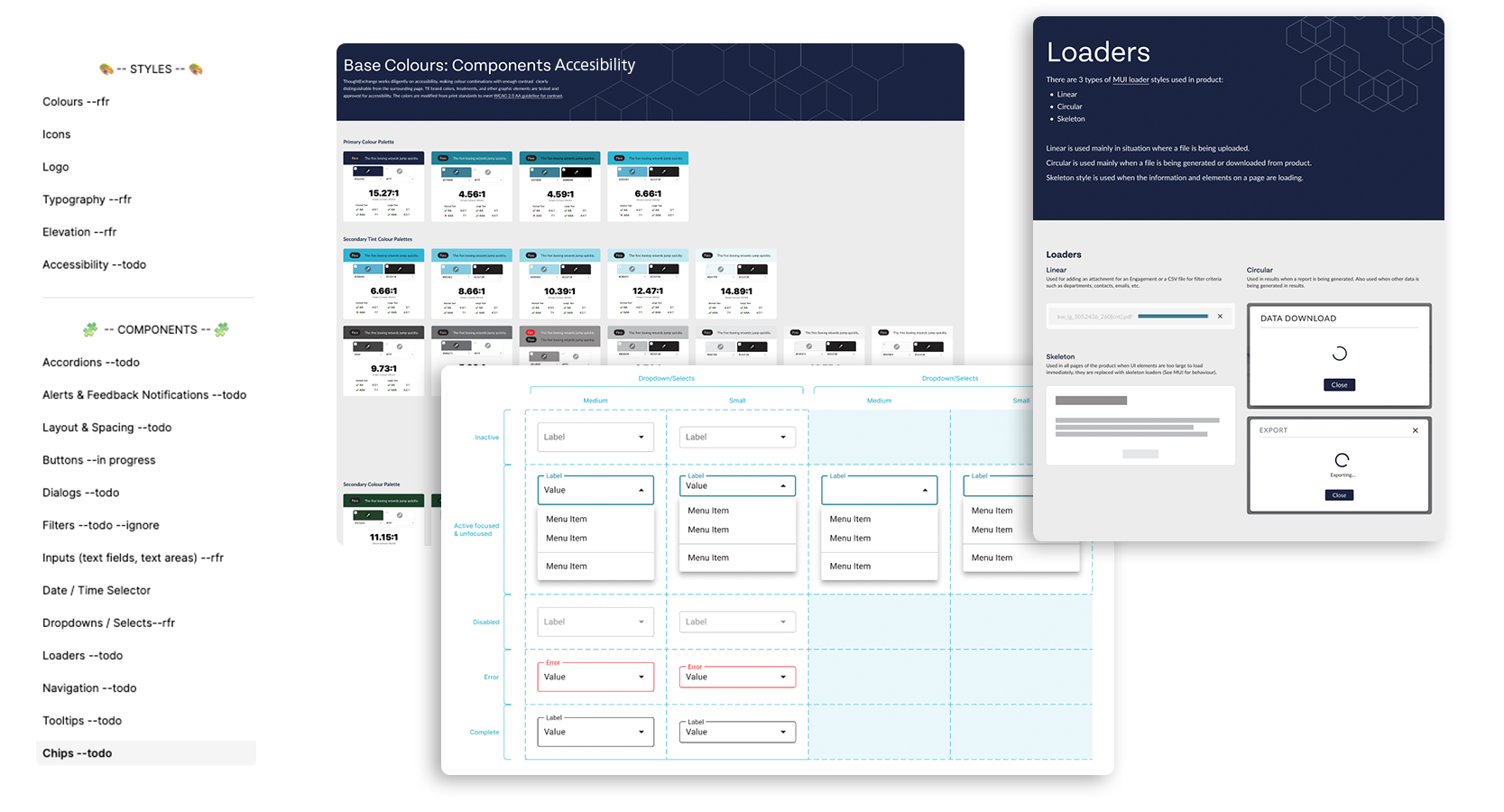
- Error states and accessibility considerations
These components created a shared language between design and engineering, bringing consistency across the product.
Scaling & maintains the system
As the company and product grew, the design system evolved alongside it. When the team transitioned from Sketch to Figma, we used the opportunity to refine and expand the system.
Updates included:
- Improved component structure and variants
- Alignment with engineering on color values and tokens
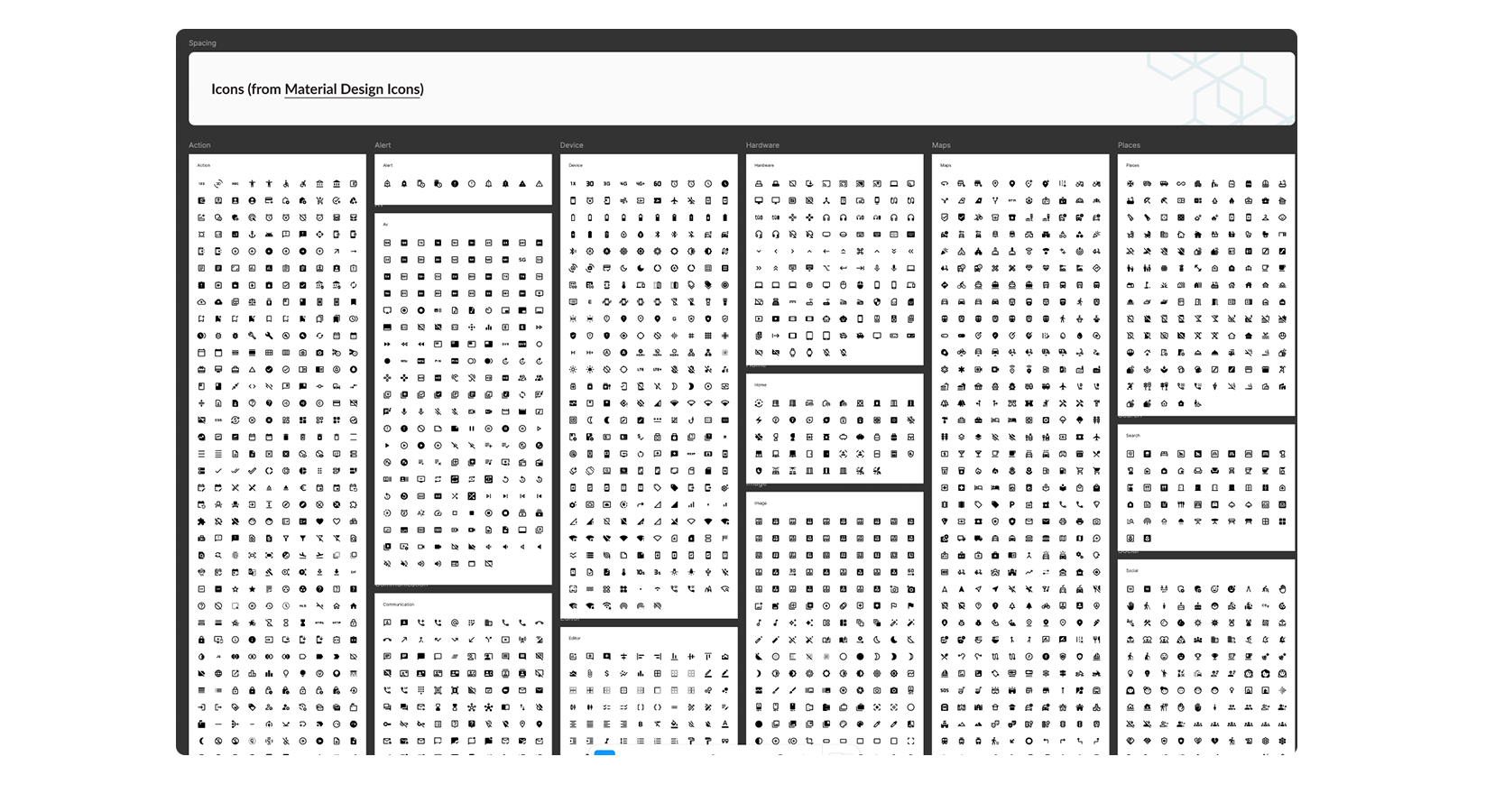
- Migration from custom icons to MUI icons
- Additional guidelines for elevation, button hierarchy, links, and states
The design team continued maintaining and expanding the system as new features were introduced.
Introducing a design system brought much-needed consistency and structure to the product.
I successfully:
- Established a unified visual language across the platform
- Reduced ambiguity for developers implementing UI components
- Created reusable patterns that sped up feature development
- Strengthened alignment between product design and the company’s brand